01
Code and chart together.
Switch between Chart, Code, and Split views. Run unsaved edits or keep your external-editor hot reload workflow.
Native macOS strategy workbench
Write Pine-style strategies, backtest them against local historical data, and inspect every result directly on a GPU-accelerated chart.
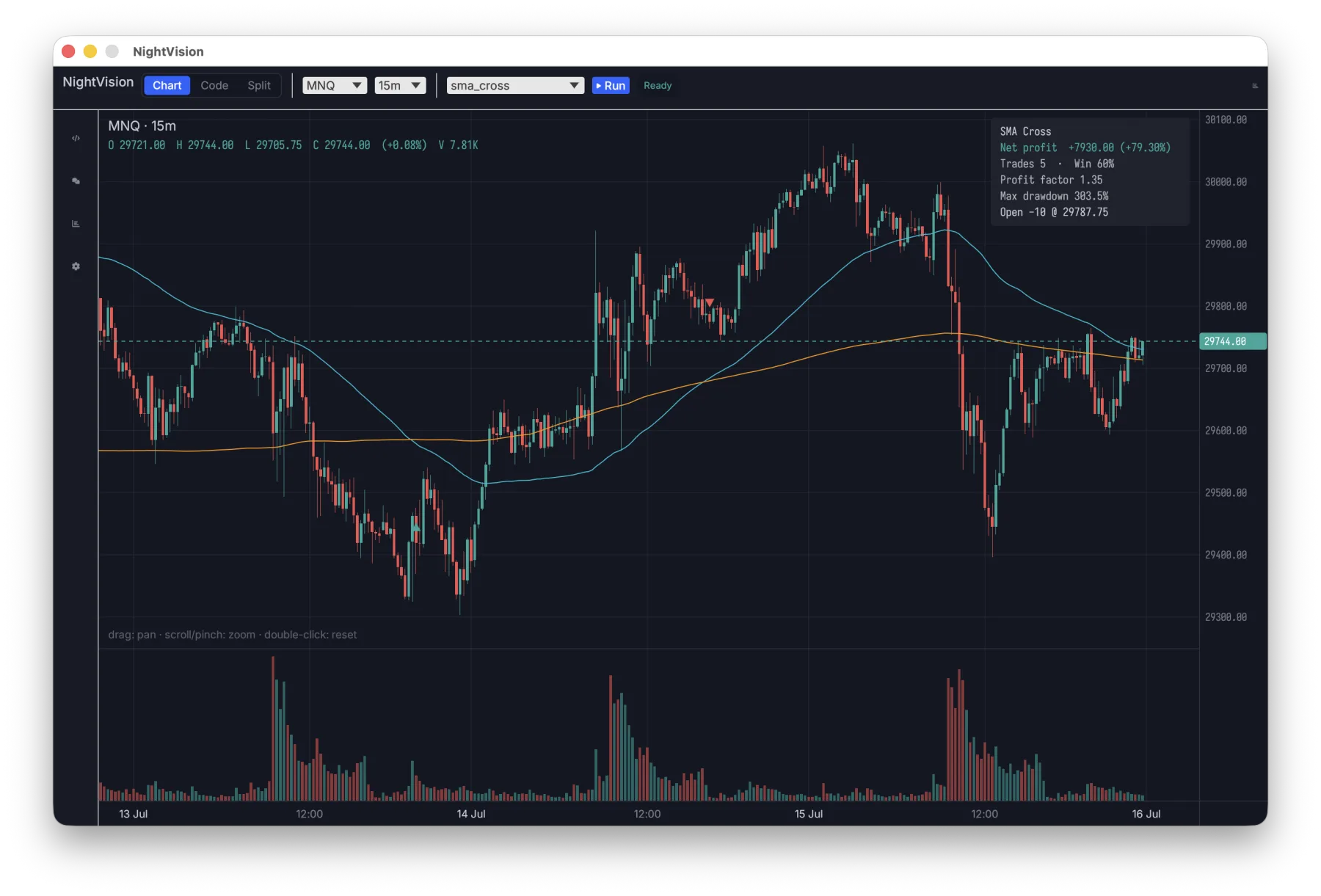
One workspace, one feedback loop
NightVision keeps the source, chart, backtest, and review loop in one native workspace—without pretending historical results are a live trading system.
Switch between Chart, Code, and Split views. Run unsaved edits or keep your external-editor hot reload workflow.
Explore the equity curve, full performance metrics, and every closed trade. Click a trade to jump straight to it on the chart.
Ask Codex or Claude to iterate, backtest the candidate, inspect the diff, then explicitly accept or reject the change.
NightVision for macOS
The first public release will ship as a signed and notarized DMG. Until it is genuinely usable, this page stays honest: no placeholder installer and no dead curl command.